






Protect Your Digital Accounts
Security
May 16, 2026
How to Prevent and Respond to Account Takeovers
From online banking and shopping to tax filing to social media, our lives run on digital accounts.
Unfortunately, criminals know this. Account takeover fraud — when someone gains unauthorized access to your login credentials — is one of the fastest-growing threats facing consumers today.
Once inside an account, scammers can transfer money, open new services, change passwords, or steal sensitive personal information. The good news? A few smart habits can dramatically reduce your risk.
How account takeovers happen
Fraudsters often use:
- Phishing emails or texts that trick you into clicking fake links
- Data breaches that expose passwords
- Malware or fake apps that capture keystrokes
- Weak or reused passwords guessed through automated tools
Best practices to protect your accounts
Staying vigilant today can prevent headaches and keep your money safe. Here are some actions you can take to limit your risk:
- Use strong, unique passwords for every account. Avoid reusing the same password across sites.
- Consider a password manager. These tools generate strong passwords and store them securely.
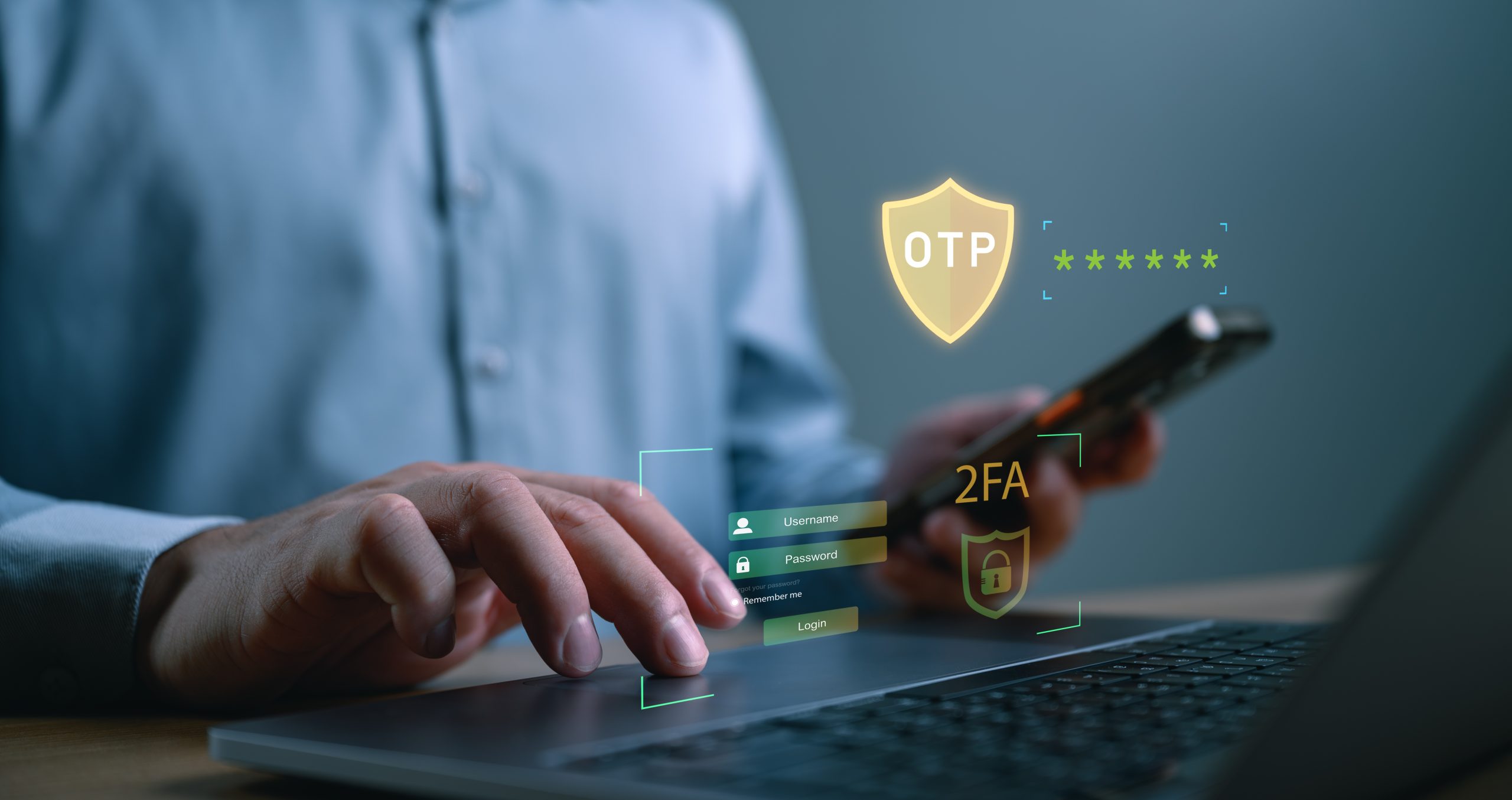
Turn on multifactor authentication whenever available. A single-use code or biometric check adds powerful protection. - Be cautious with links and attachments. Go directly to official websites instead of clicking messages that claim urgency.
- Keep devices updated. Install software and security updates promptly.
- Monitor accounts regularly. Watch for unfamiliar transactions or changes.
- Use secure Wi-Fi. Also, don’t log into financial accounts on public networks.
What to do if you’re a victim
Did the scammers get to you? Act quickly to limit damage:
- Contact us immediately to report suspicious activity.
- Change passwords on affected accounts and any others with the same login.
- Enable or reset multifactor authentication.
- Review recent transactions and dispute unfamiliar items.
- Scan your device for malware, and update security software.
- Place a fraud alert or freeze your credit if your personal information was exposed.
If something doesn’t look right, trust your instincts and call Harborstone at 1-800-523-3641. We are here to help secure your accounts and guide you through next steps.